For the complete documentation index, see llms.txt. Markdown versions of all docs pages are available by appending .md to any docs URL.
LibreChat
Front LibreChat with agentgateway to centralize LLM credentials, audit, and rate limits.
LibreChat is an open-source, multi-user chat interface that supports many LLM providers. Configuring LibreChat with a single OpenAI-compatible custom endpoint pointed at agentgateway lets you keep provider keys server-side and apply policies once for all chats.
What you get
- LibreChat sees one endpoint; agentgateway routes to the actual upstream model.
- API keys held by agentgateway, not by every LibreChat instance.
- Per-request metrics, traces, and audit logs across providers.
Architecture
┌─────────────────┐     ┌─────────────────┐     ┌─────────────────┐
│    LibreChat    │────▶│   agentgateway  │────▶│  LLM provider   │
│   (port 3080)   │     │   (port 3000)   │     │ (OpenAI, etc.)  │
└─────────────────┘     └─────────────────┘     └─────────────────┘
Before you begin
- Install the agentgateway binary.
- Have an LLM provider API key, such as an OpenAI API key.
- Set up LibreChat via Docker Compose with MongoDB.
Steps
Step 1: Configure agentgateway
You can configure agentgateway in the UI or in your configuration file.
To create the same configuration in the UI, follow these steps.
Set your OpenAI API key, create a configuration file with an empty
llmsection, and start agentgateway. The UI checks that theOPENAI_API_KEYenvironment variable exists when you save the model.export OPENAI_API_KEY='<your-api-key>' cat > config.yaml <<'EOF' llm: models: [] EOF agentgateway -f config.yamlAdd the model.
Open LLM > Models, such as http://localhost:15000/ui/llm/models, and click Add model.
From the Provider dropdown, select OpenAI.
In the Incoming model match field, replace the default
openai/*with*.For the Provider API key, select Env var, and enter
OPENAI_API_KEY.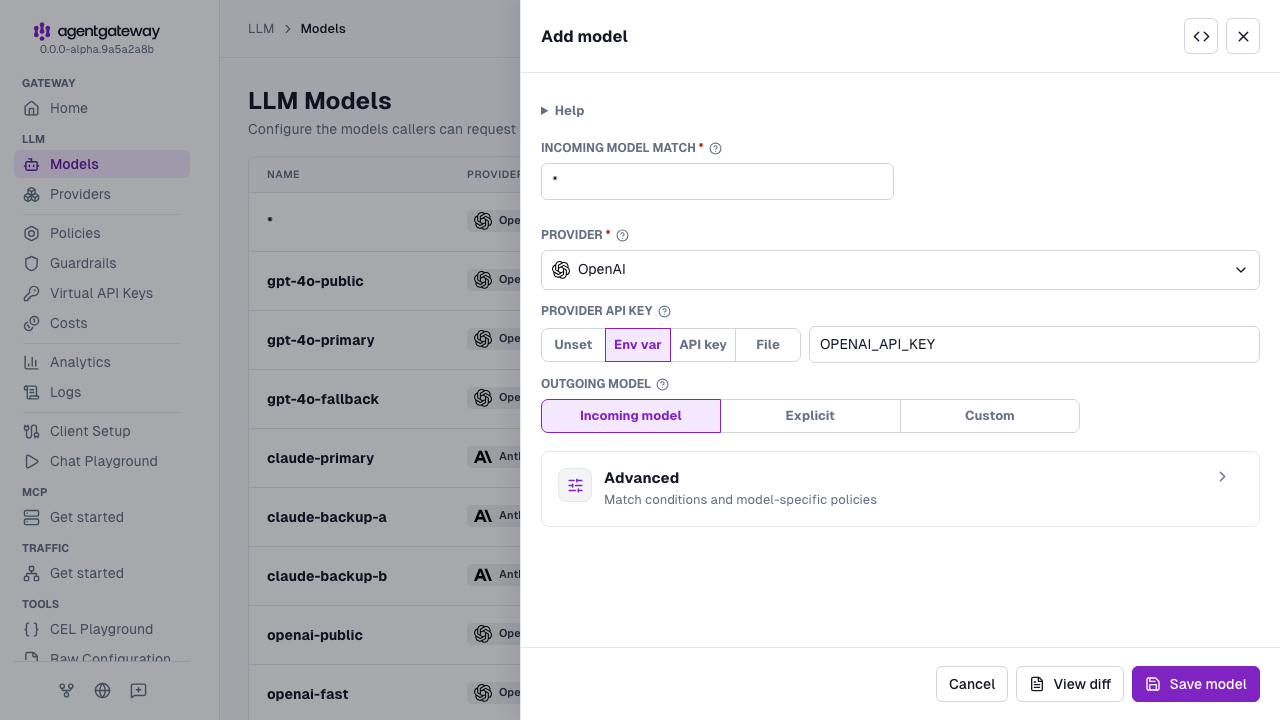
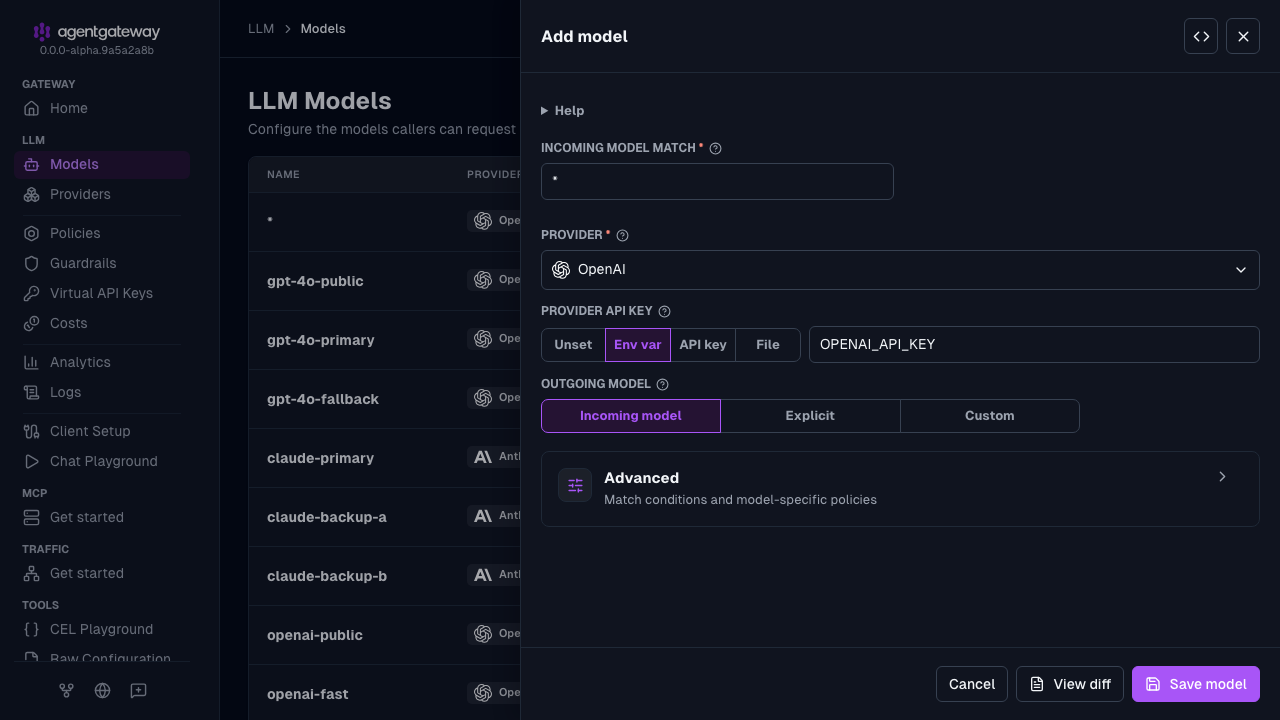
Click Save model.
Serve LLM traffic on port
3000.Open the Gateway Overview page, such as http://localhost:15000/ui/.
On the LLM row, click Settings.
Enter
3000for the Port, and click Save settings.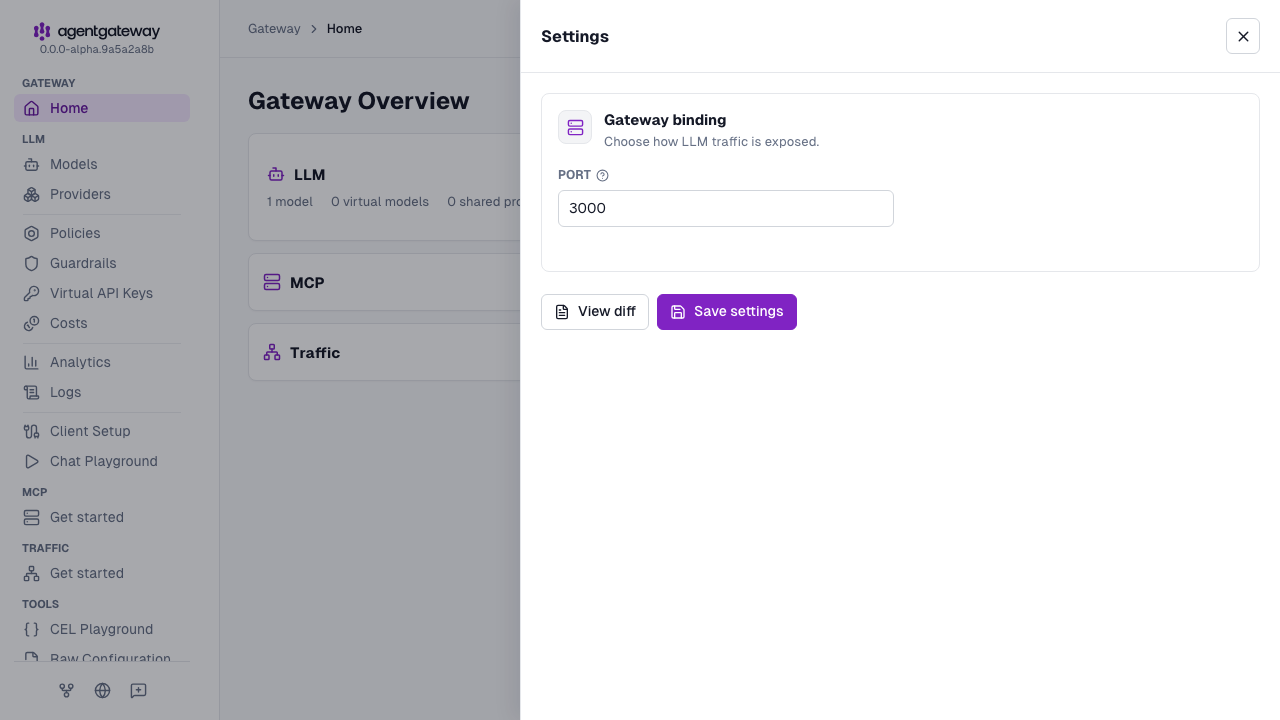
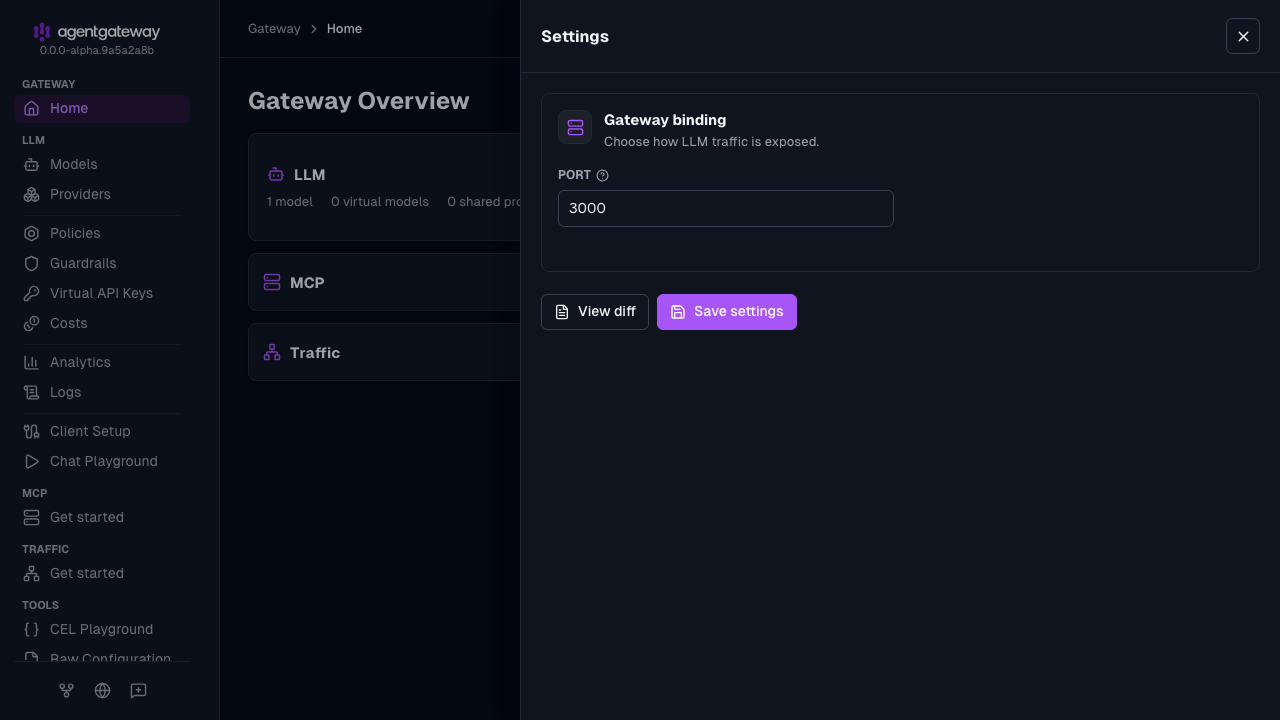
The UI writes the same deprecated llm.port field as the Config file tab, plus an empty llm.gateways list. If your configuration defines gateways, the Settings drawer shows a Gateway dropdown instead of Port, and binds LLM traffic to the gateway that you select. The UI also writes the provider as openai instead of openAI. Agentgateway accepts both values.
Whether the UI can save depends on your storage mode. For more information, see Save changes from the UI.
Agentgateway is already running with the new configuration, so skip Step 2.
Step 2: Start agentgateway
export OPENAI_API_KEY='<your-api-key>'
agentgateway -f config.yaml
Step 3: Add agentgateway as a custom endpoint in LibreChat
LibreChat’s custom endpoints feature lets you add any OpenAI-compatible backend. Edit librechat.yaml:
version: 1.2.1
cache: true

endpoints:
  custom:
    - name: "agentgateway"
      apiKey: "placeholder"
      baseURL: "http://localhost:3000/v1"
      models:
        default: ["gpt-4o", "gpt-4o-mini"]
        fetch: false
      titleConvo: true
      titleModel: "gpt-4o-mini"
      modelDisplayLabel: "agentgateway"
apiKey must be set, but it is not used to call the upstream provider — agentgateway holds the real key. Set it to any non-empty value or to a key you require LibreChat clients to present (and validate at the gateway).
Set fetch: false and list your chat models in models.default. For a wildcard (*) model, /v1/models returns every catalog model for that provider. The list can include embedding and image models that do not support chat.
Note
If LibreChat runs in Docker and agentgateway runs on your host machine, replace localhost with host.docker.internal:
baseURL: "http://host.docker.internal:3000/v1"Step 4: Enable registration and restart LibreChat
By default LibreChat disables new user registration. Add ALLOW_REGISTRATION=true to your LibreChat .env file so you can create an account:
ALLOW_REGISTRATION=trueRestart your LibreChat stack so it picks up the updated librechat.yaml and .env. In the UI, select agentgateway from the endpoint switcher and start a conversation. Confirm in the agentgateway logs that the request was proxied upstream. You should see a log entry similar to:
info request gateway=default/default listener=llm route=internal/model:* endpoint=api.openai.com:443 http.method=POST http.path=/v1/chat/completions http.status=200 protocol=llm gen_ai.operation.name=chat gen_ai.provider.name=openai gen_ai.request.model=gpt-4o gen_ai.usage.input_tokens=4419 gen_ai.usage.output_tokens=10 duration=2195ms